 Transcript + Q&A
2024 Annual Financial Report
The full ACFR: management discussion, government-wide statements, fund statements and notes.

Live demo · no signup
This is the running product on a mock Lone Star County Auditor site. The financial data is synthetic; the PDFs, transcript, translation, search and question answering are real.
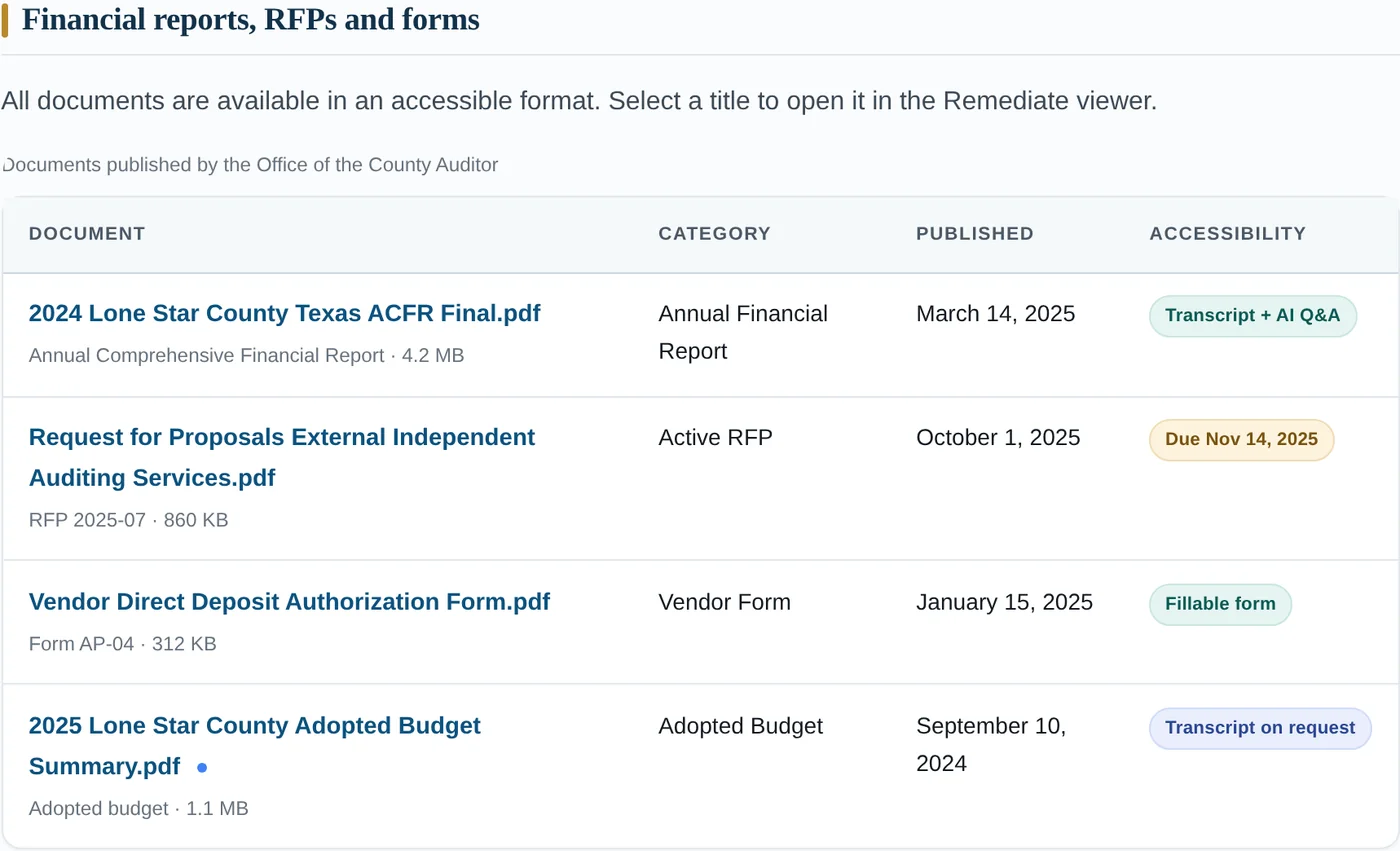
01 The host page
Every PDF link on the mock county page opens the Remediate reader. The original href is untouched, the document opens over the page, and closing it puts the visitor back exactly where they were.
02 The documents
Each card opens the viewer on its own, or inside the county page where the document is published. The budget summary is deliberately left in the “transcript on request” state.
Transcript + Q&A
The full ACFR: management discussion, government-wide statements, fund statements and notes.
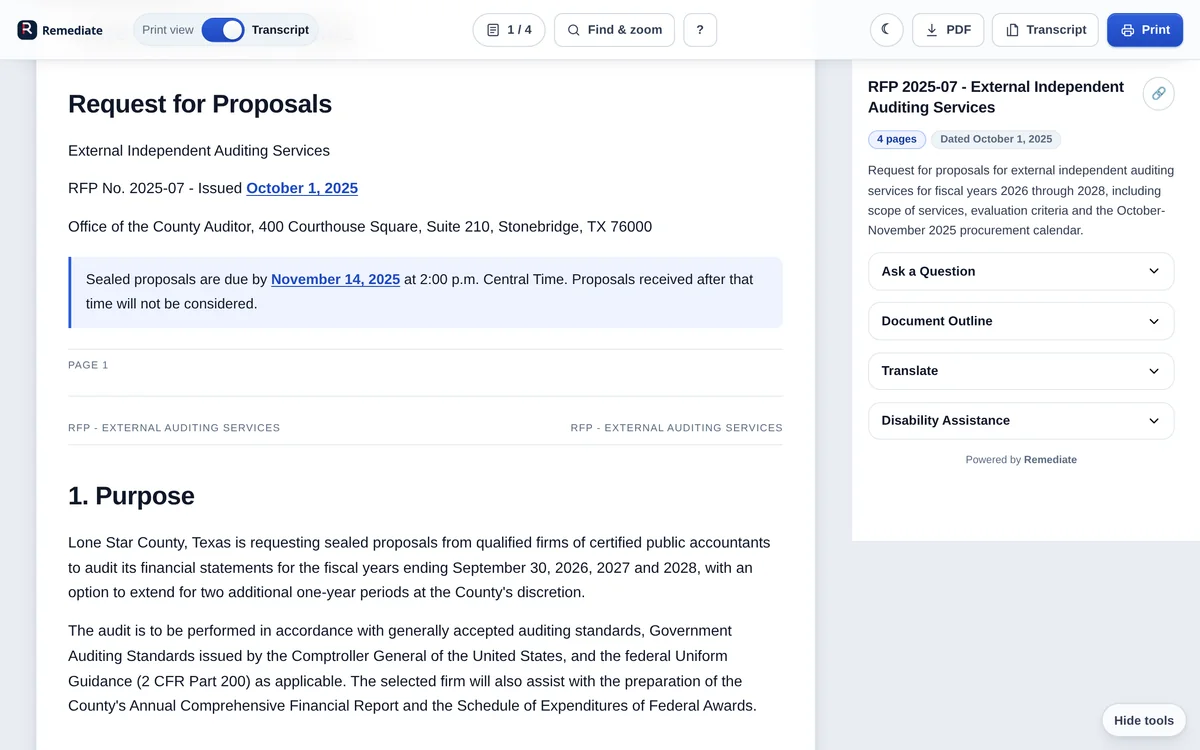 Transcript + Q&A
A live solicitation with a submission deadline, scope of work and evaluation criteria.
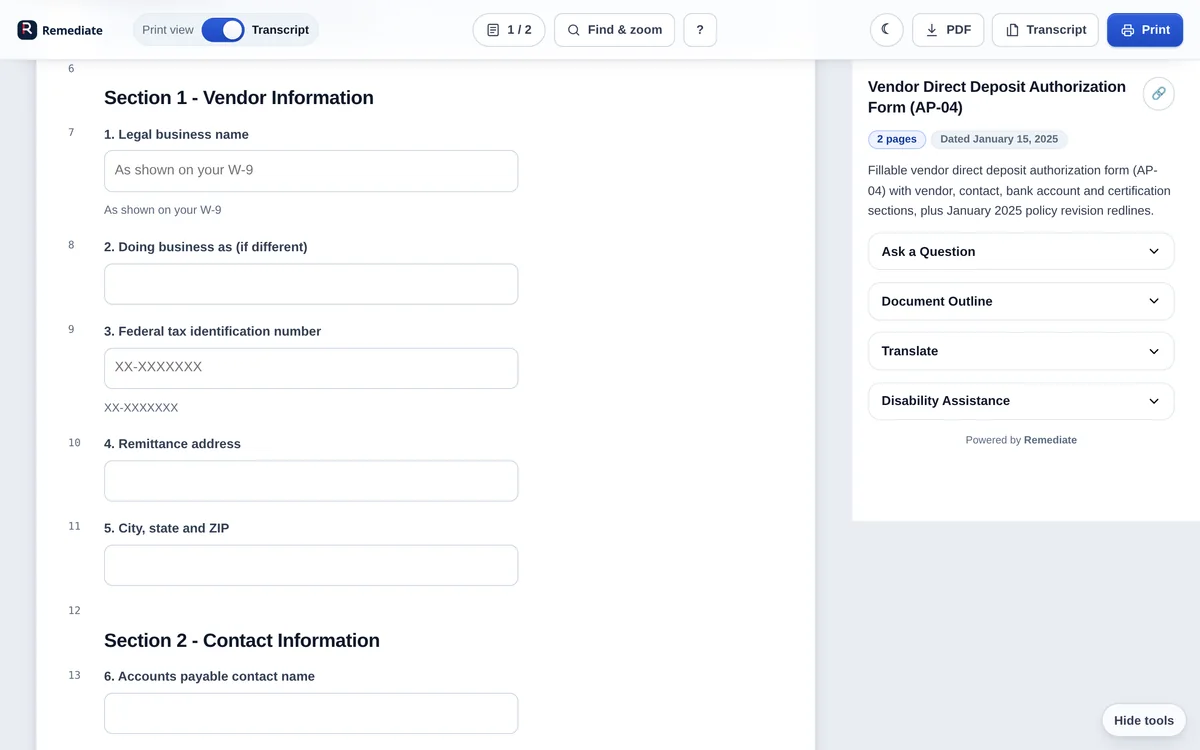 Fillable form
Twenty real form fields — legal name, TIN, bank details and certification — with labels and errors.
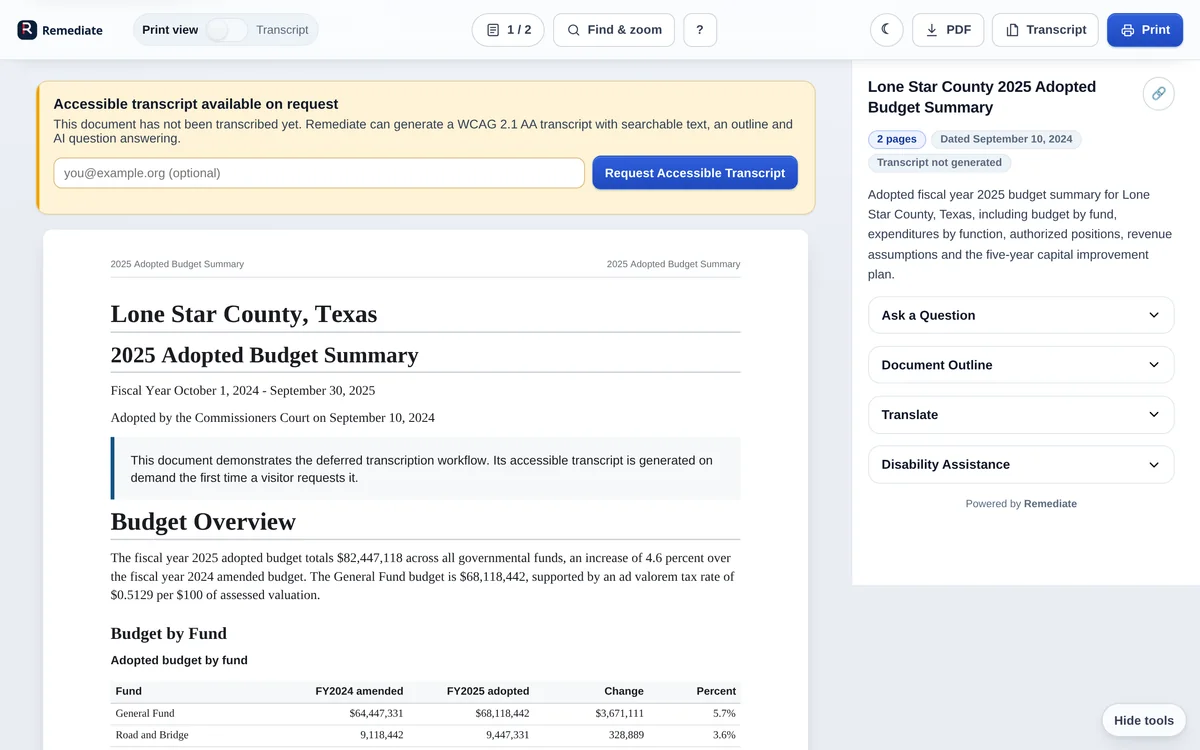 Transcript on request
The real “not yet transcribed” state: the print view works, and a visitor can request the accessible transcript.
03 A closer look
Three states you can open directly — no hunting through menus.
04 Guided tour
Each link opens the viewer in the exact state described, so you can test the feature without hunting for it.
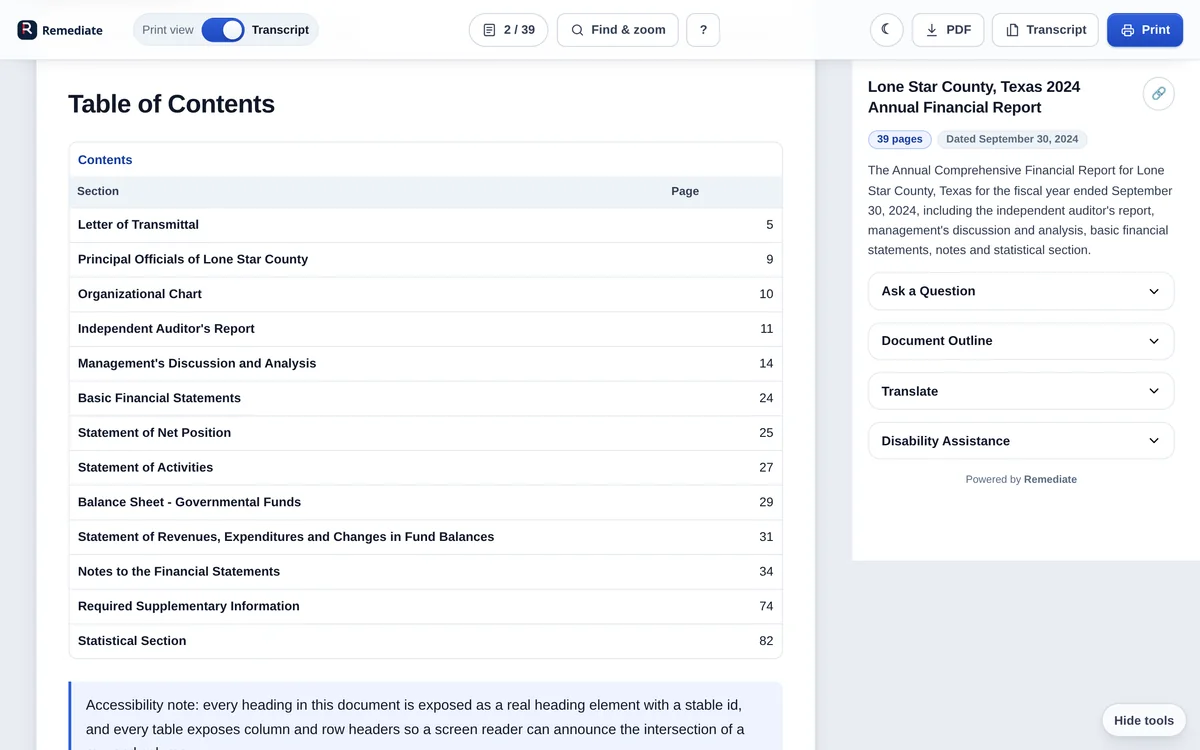
Start in the print-friendly view, then flip the toggle to the accessible transcript. The page position follows you.
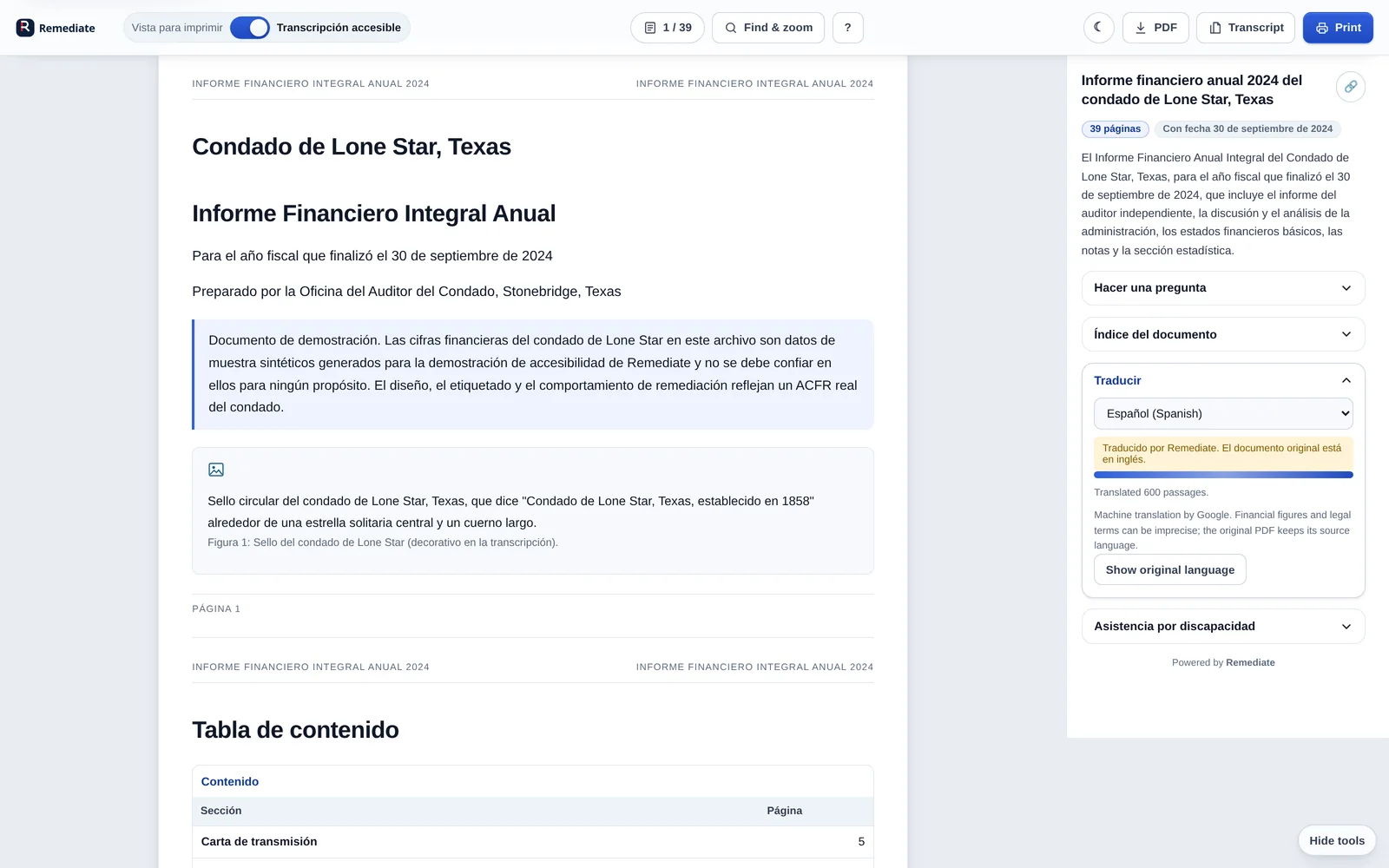
Open the ACFRThe whole transcript translates in place, including tables and the outline. The original PDF stays in English, and the interface says so.
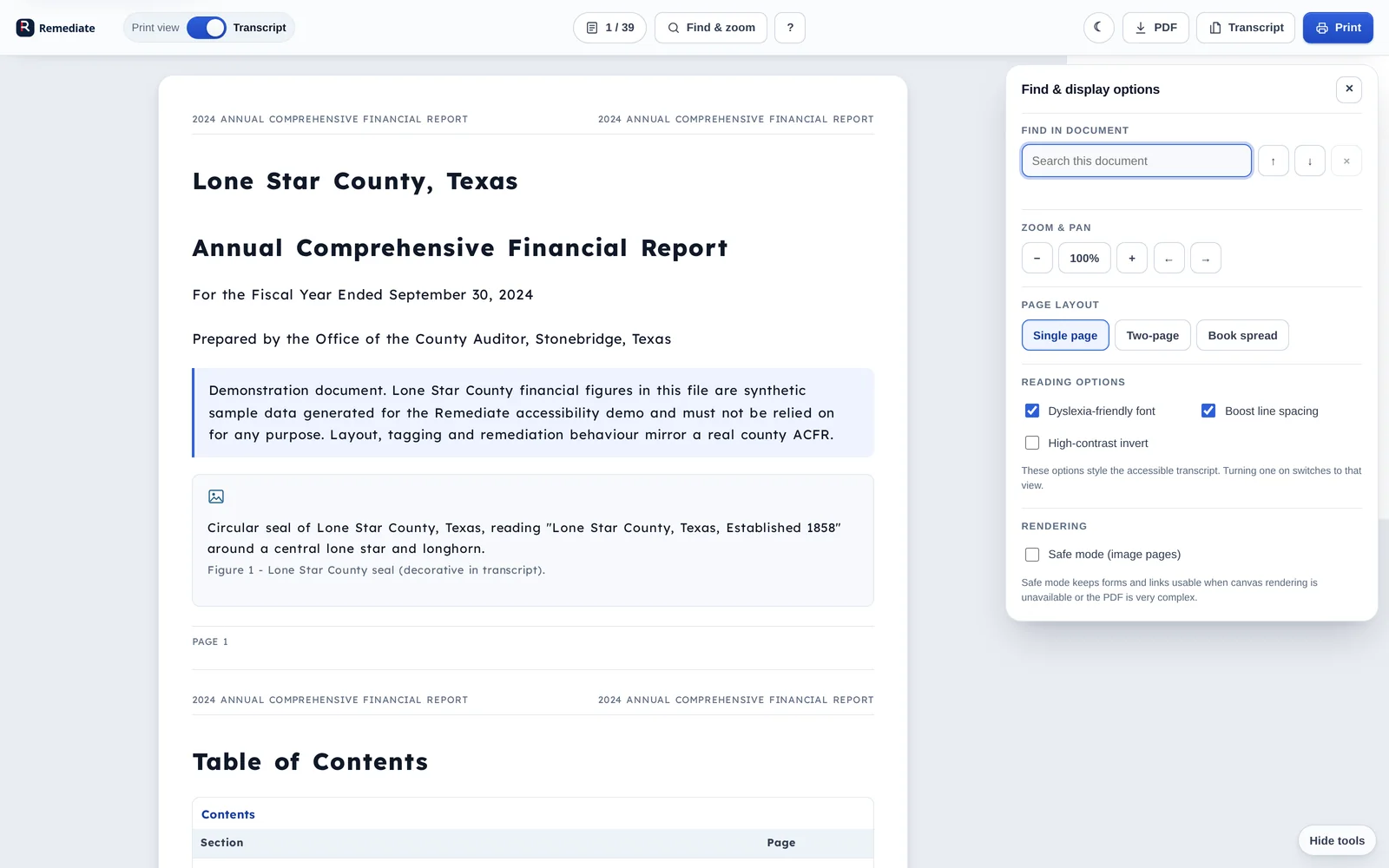
Open it in SpanishSearch the full transcript, jump between matches, then try the dyslexia-friendly font and line spacing.
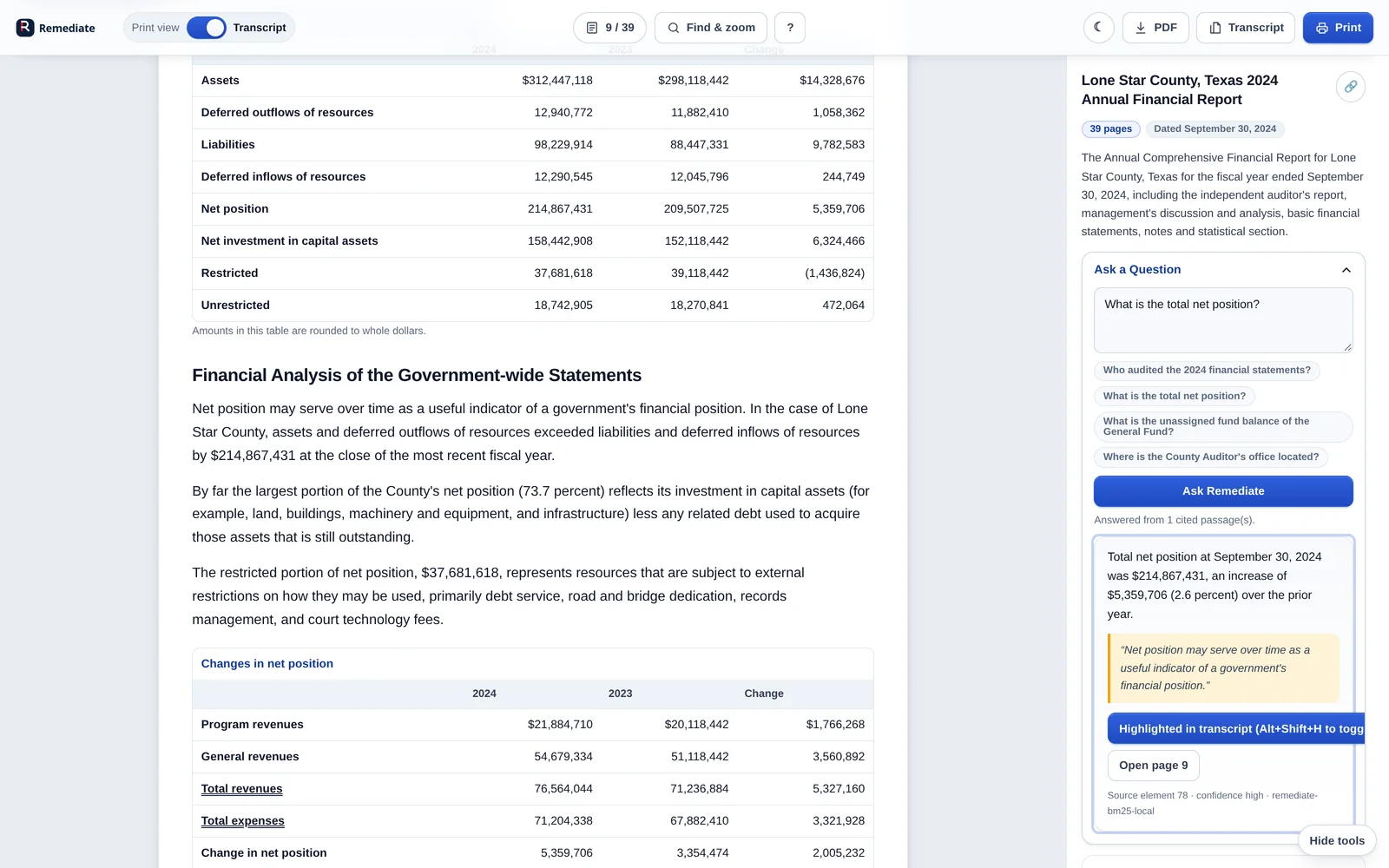
Open Find & display“What is the total net position?” Remediate answers from the document and cites the page it came from.
Open the question panelThe vendor form’s twenty fields are labelled, keyboard reachable and preserved between the print and transcript views.
Open the vendor formFollow a PDF link on the mock site and watch the viewer take over without losing the page or the URL.
Open the county page05 What to check
If you only test one thing, test this: put the mouse away. Every control in the viewer is reachable, named and operable from the keyboard.
<!-- once, in your template -->
<script src="/docbox.js" async></script>

<!-- your existing PDF links, unchanged -->
<a href="/docs/2024-acfr.pdf">
  2024 Annual Financial Report
</a>
The demo server is running locally on port 3000.